Privacy Policy
Last updated: March 2, 2026
Mobmote ("we", "our", or "us") operates the Mobmote mobile application (the "App"). This page informs users
about
our policies regarding the collection, use, and disclosure of information when using our App.
By using the App, you agree to the collection and use of information in accordance with this Privacy Policy.
1. Information We Collect
Mobmote is designed to function without collecting or storing personal data. However, the App requires access
to the
following:
Camera Access
Mobmote uses your device’s camera only to scan QR codes in order to connect your mobile device to a PC.
All QR code scanning is processed locally on your device.
- Camera images are not saved, transmitted, or stored.
Storage Access
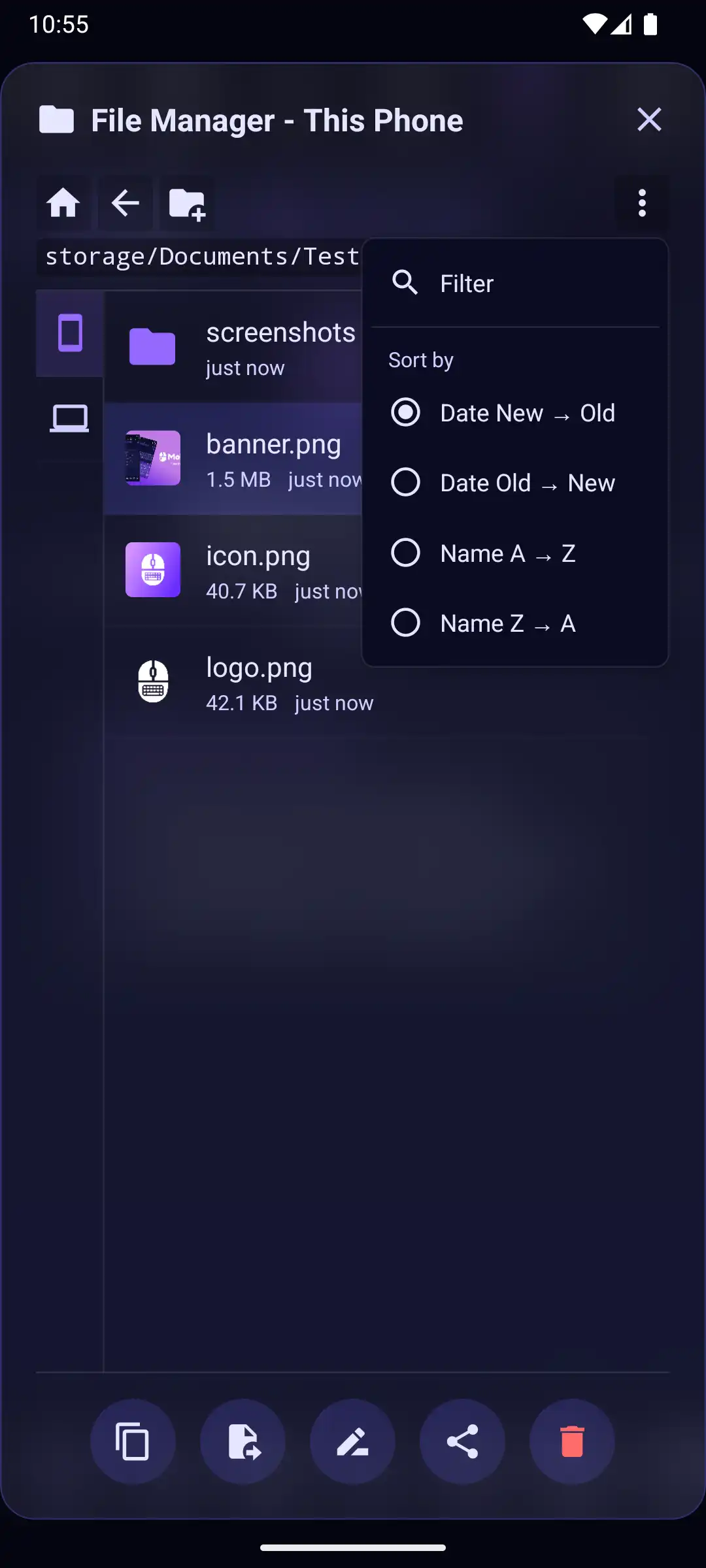
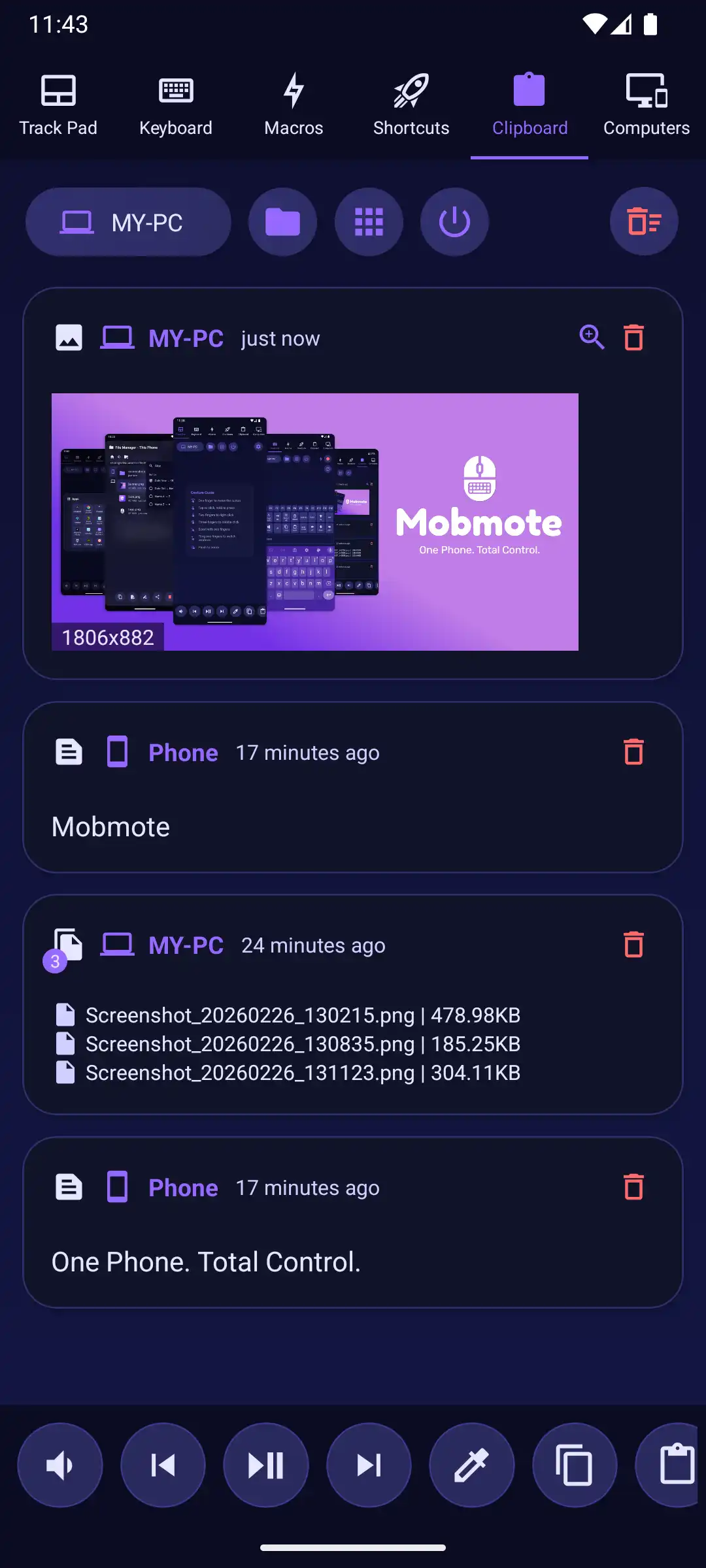
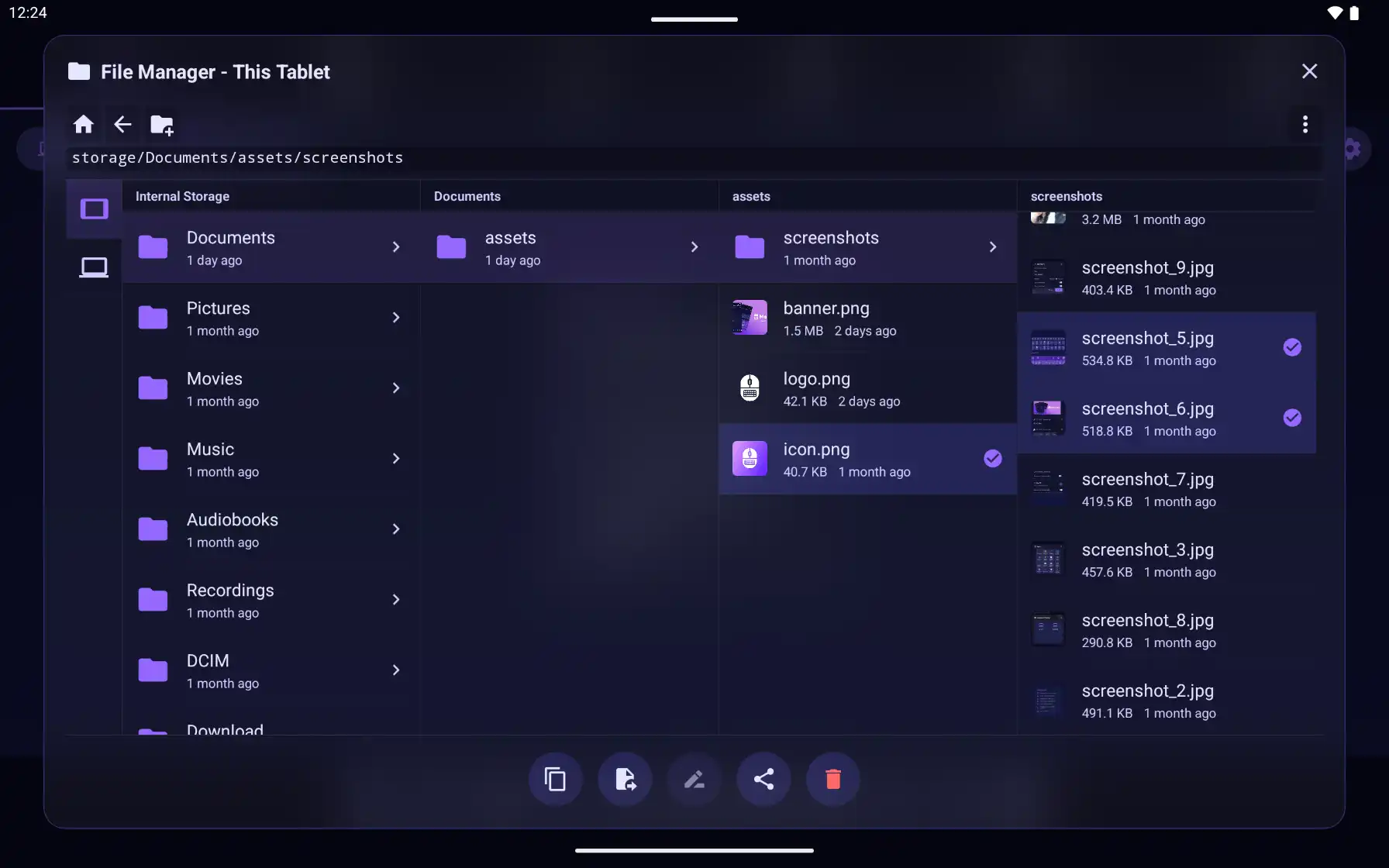
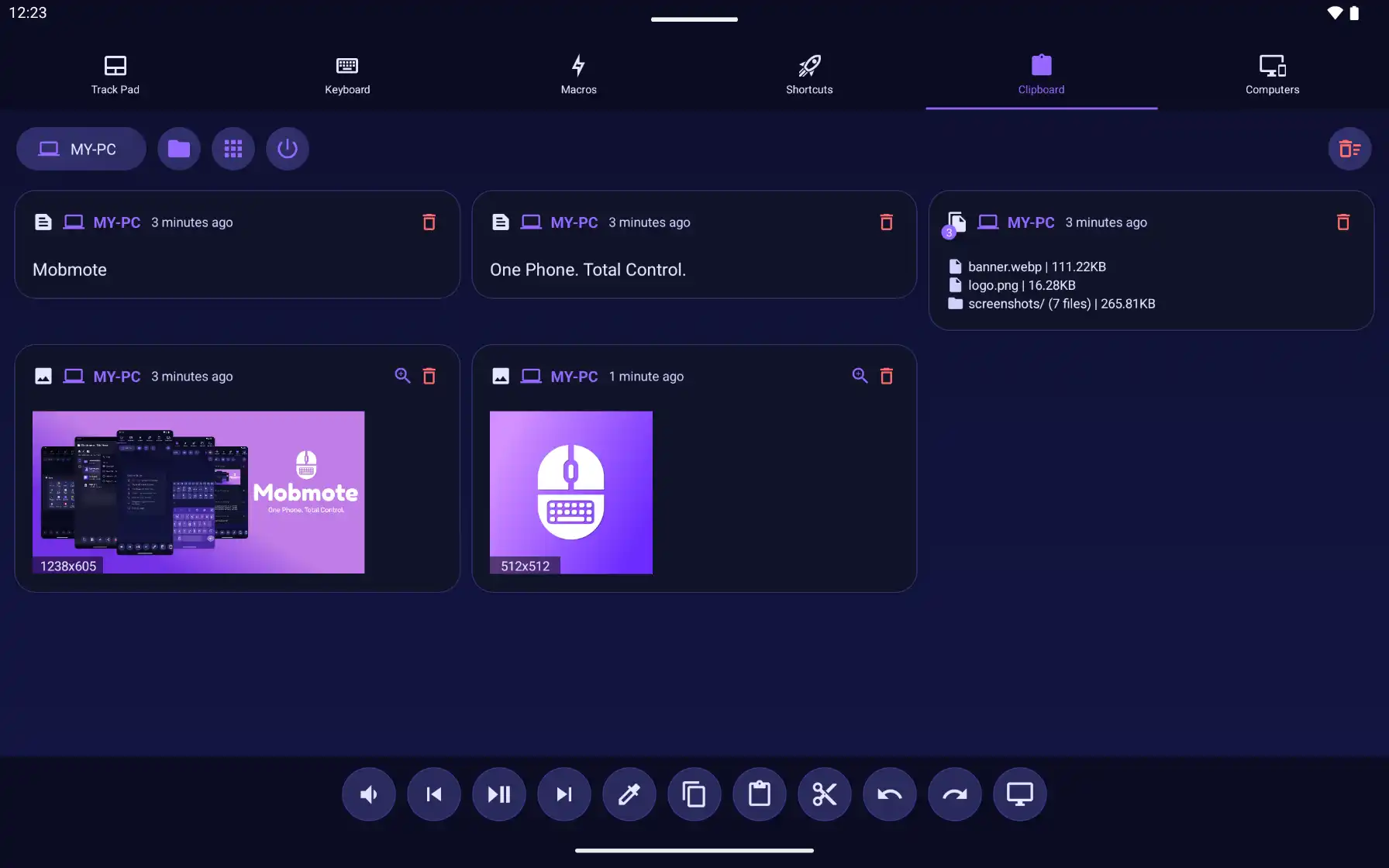
Mobmote requires access to your device's storage to enable the File Manager and
Shared
Clipboard
features. This allows you to browse, manage, and transfer files between your phone and connected PCs.
- Storage access is used only for file management and clipboard operations initiated by you.
- No data is indexed, harvested, or sent to any external servers.
- File transfers occur exclusively over your local network.
2. How We Use Information
Information obtained through QR scanning is used solely to:
- Identify the PC you want to connect to
- Establish and maintain a secure remote control session
Mobmote does not use this information for advertising, analytics, tracking, or marketing.
3. Data Storage
Mobmote does not collect, store, or share personal information. Any temporary connection data remains
only on
your device and is cleared when the session ends or the app is closed.
4. Third-Party Services
Mobmote does not use any third-party services that collect personal information.
5. Security
We value your trust in using Mobmote. Since no personal data is collected or stored, the risk of data
exposure is
minimal. Reasonable security measures are used to protect any temporary connection data.
End-to-End Encryption: All data transmitted between your mobile device and your computer is
fully
encrypted end-to-end, ensuring that no one else can intercept or read your commands.
6. Children's Privacy
Mobmote does not knowingly collect any personally identifiable information from children under the age of 13.
If you
believe a child has provided personal information, please contact us and we will promptly remove such data.
7. Changes to This Privacy Policy
We may update this Privacy Policy from time to time. Any changes will be posted on this page. You are advised
to
review this page periodically for updates.
8. Contact Us
If you have any questions or suggestions about this Privacy Policy, contact us at:
Email: mobmote@gmail.com